Overview
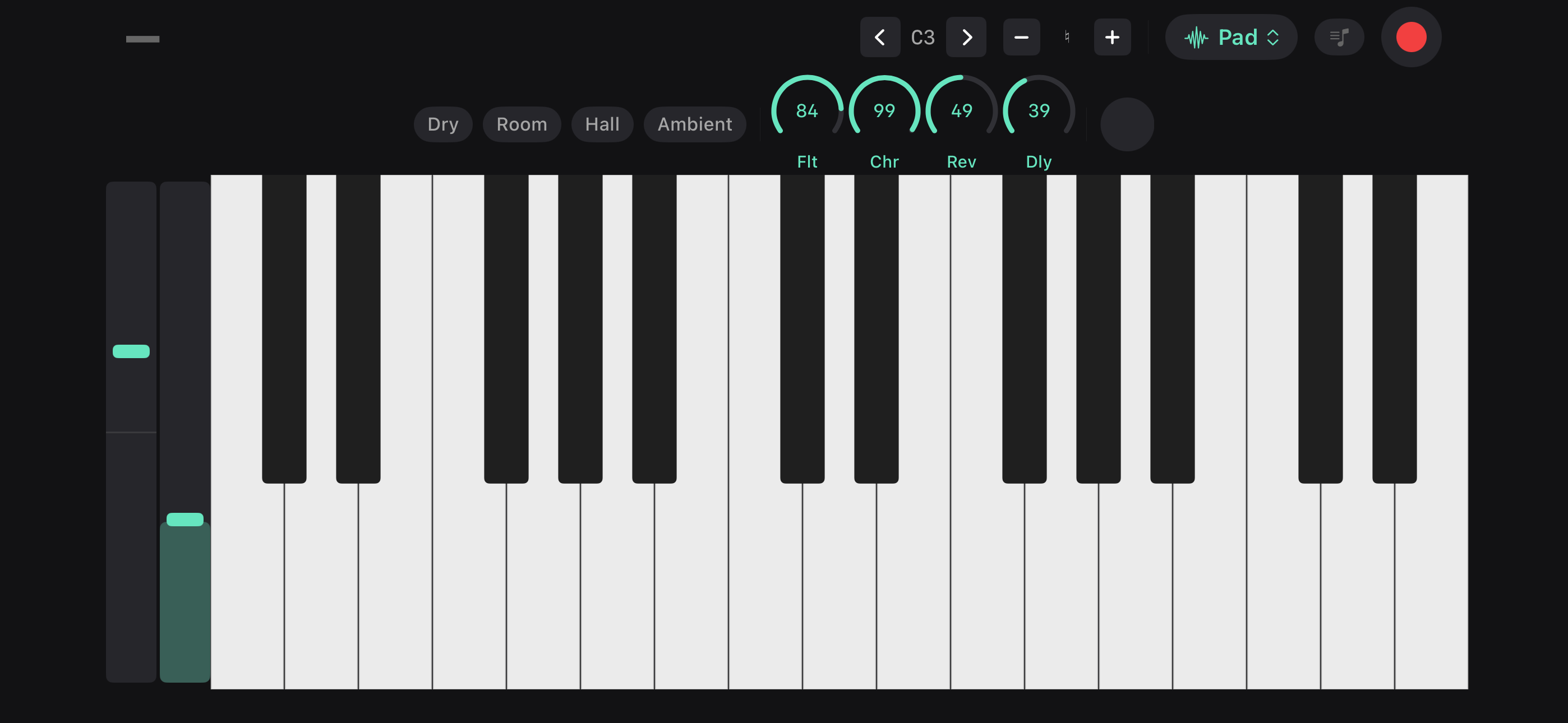
Good Take includes a full playable keyboard — 88 keys, 45 built-in instruments, and audio effects — right inside the app. Use it to sketch out ideas, try chord voicings, hear how a melody sounds on different instruments, or record a keyboard performance directly into your library.
Instruments
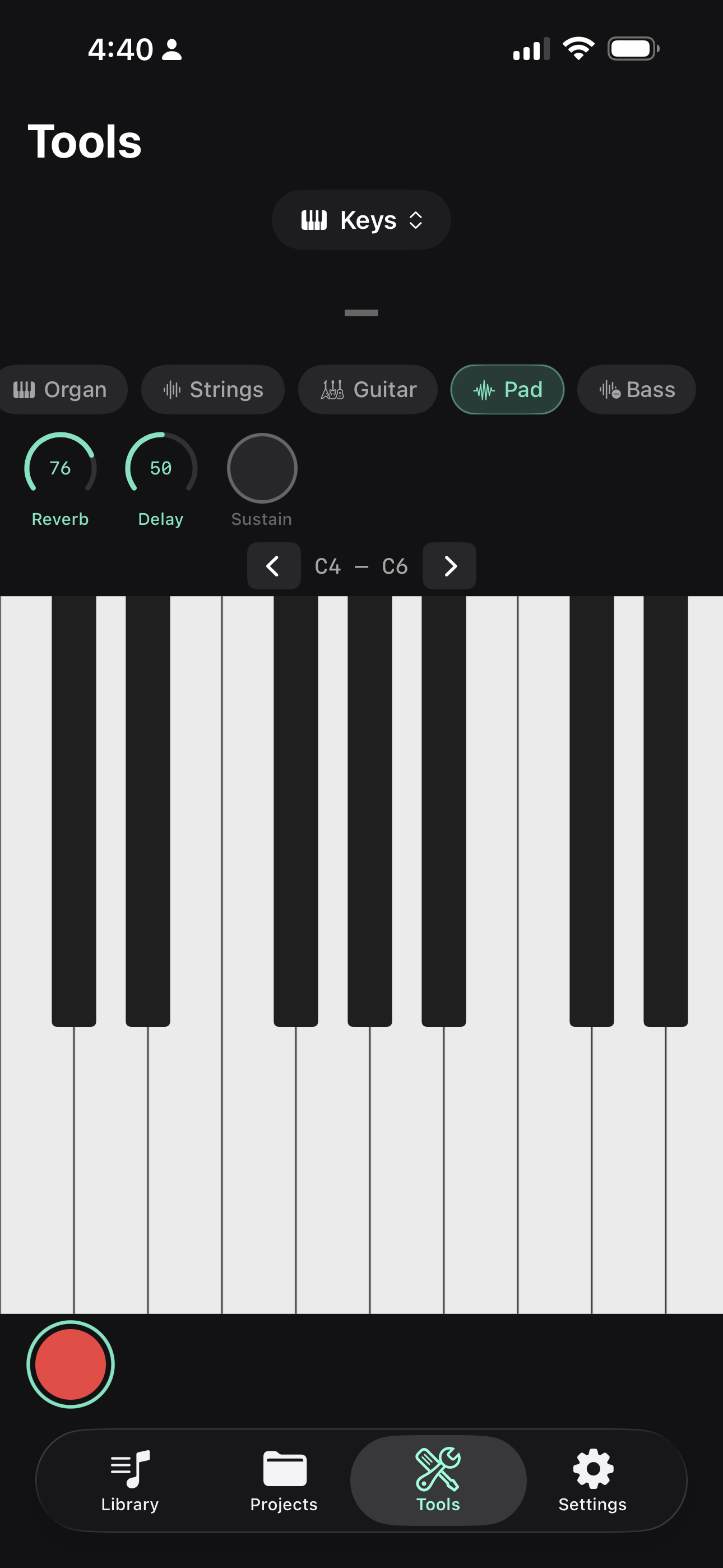
The keyboard comes with 45 built-in instruments from the bundled GeneralUser GS SoundFont. The favorites row starts with common sounds, and Browse opens the full library.
- Keys — acoustic piano, bright piano, electric piano, Wurli, clav, harpsichord
- Organ and mallets — drawbar organ, rock organ, church organ, vibraphone, marimba, celesta
- Guitar and bass — nylon, steel, jazz, clean electric, overdrive, upright, finger, pick, synth bass
- Strings and voice — strings, pizzicato, violin, cello, harp, choir, voice oohs
- Brass and winds — trumpet, trombone, French horn, brass section, synth brass, sax, flute, clarinet
- Synth and world — leads, pads, sitar, kalimba, steel drums
Switch instruments at any time — even mid-performance. Favorites and recents make it quick to get back to the sounds you use most.
Effects
Shape your sound with four real-time controls:
- Reverb — from dry to washed out
- Delay — rhythmic repeats
- Filter — adjust the brightness/cutoff
- Chorus — thicken the sound
Or use one of the built-in presets: Dry, Room, Hall, or Ambient — to quickly dial in a vibe.
Performance Controls
- Sustain pedal — hold notes without keeping your fingers on the keys
- Pitch bend — continuous pitch bend strip (available in landscape mode)
- Mod wheel — MIDI modulation control
Scale Lock
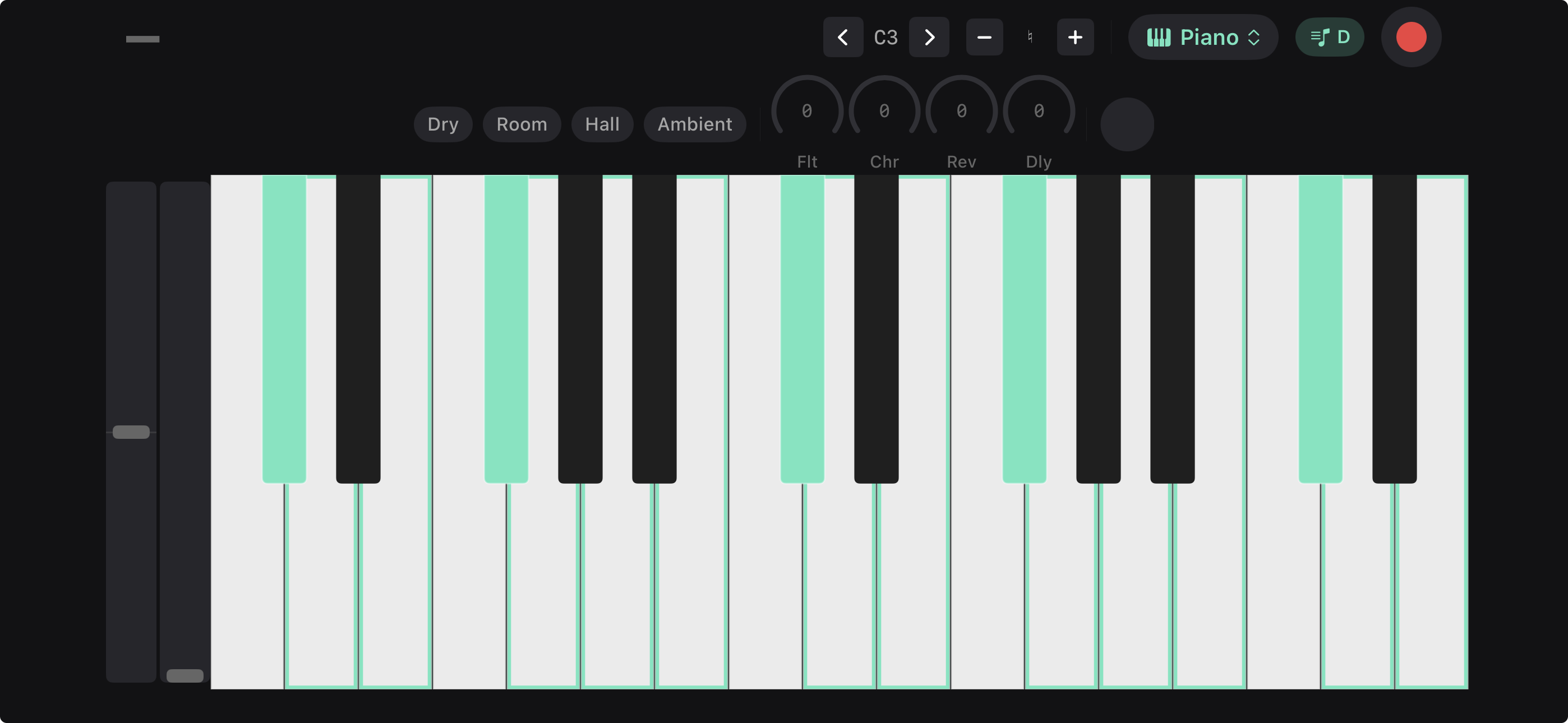
Restrict the keyboard to a specific scale and key. When scale lock is on, only notes in your chosen scale are playable — making it easy to improvise without hitting wrong notes. Select any root note and scale type.
Transpose
Shift the entire keyboard up or down by up to 12 semitones. Useful for quickly changing keys without rethinking fingerings.
Chord Recognition
As you play, Good Take identifies what chord you’re playing in real time. Helpful for figuring out what you’re hearing or naming a voicing you stumbled into.
Recording from the Keyboard
Tap record while the keyboard is open to capture your performance. The recording lands in your library as a new idea — open it and tap Analyze recording to detect key and BPM.
Landscape Mode
Rotate your device to get a full-screen keyboard with more visible keys and dedicated controls for pitch bend, mod wheel, and effects. This is the best way to play on iPad.